a free guide
Clone Your Voice + Speak Any Language (Fish Audio + Claude MCP)
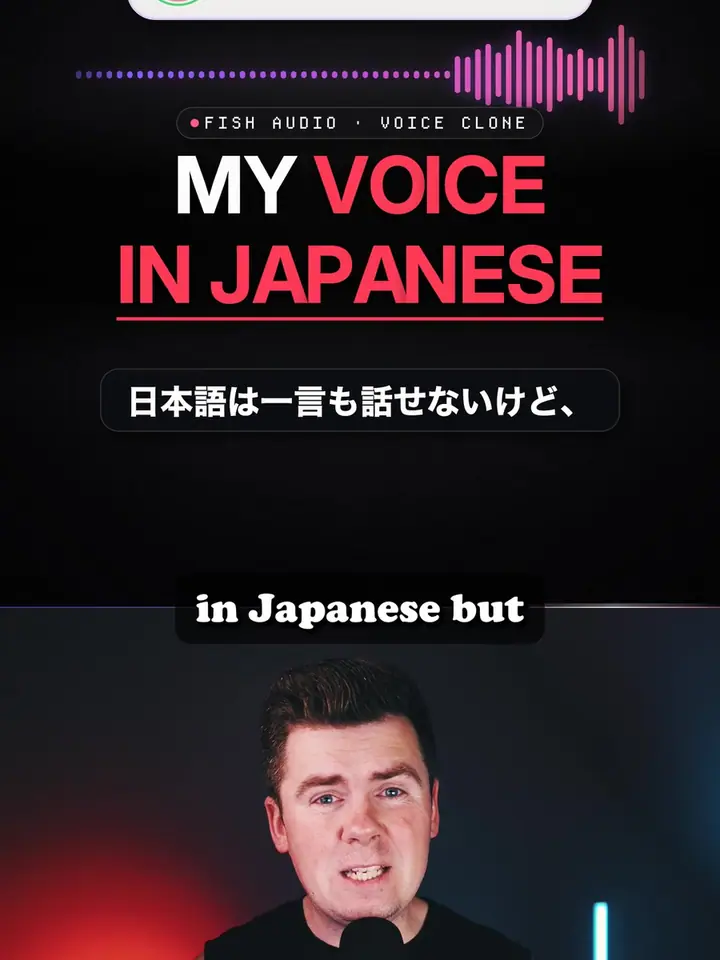
Clone your voice in 15 seconds. Make Claude say anything in it.
4 simple steps
What you’ll get
- A clone of your own voice from about 15 seconds of audio
- Claude speaking in your voice, in other languages
- Emotions like [excited] added right in the text
Make a free Fish Audio account
Tap the button, sign up and log in. You can start on the free plan.
Try Fish Audio Partner linkClone your voice
In Fish Audio, choose Instant Voice Clone. Upload or record about 15 seconds of you talking, in a quiet room. Name the voice and save it.
Connect Fish Audio to Claude
Open claude.ai, go to Settings, then Connectors, and add a custom connector. Paste the link below, then sign in to Fish Audio when it asks.
Connector link
Tap to copy it.
https://api.fish.audio/mcp
Ask Claude to speak
Start a new chat in Claude. Press Copy prompt, paste it and press Enter. Claude says it in your voice. Add emotions like [excited] right in the text.
Say it in my voiceTranslate this into Spanish and say it in my voice: [excited] I did it, and I'm still standing!
You did it
Nice! Now your voice speaks every language. Send this to a friend.
More to try
Try next
- Change the language: ask for Spanish, French, Japanese and more.
- Put an emotion in square brackets, like [excited], before the words.
- Say it in your voice, then send the audio to a friend.
Partner links. This guide uses Fish Audio. If you sign up, John may earn a commission or be paid. It costs you nothing.