a free guide
9 Claude effects: every prompt from the reel
Every effect from the reel. Type one slash in Claude and get the video.
Scroll down for the prompts 👇
4 simple steps
What you’ll get
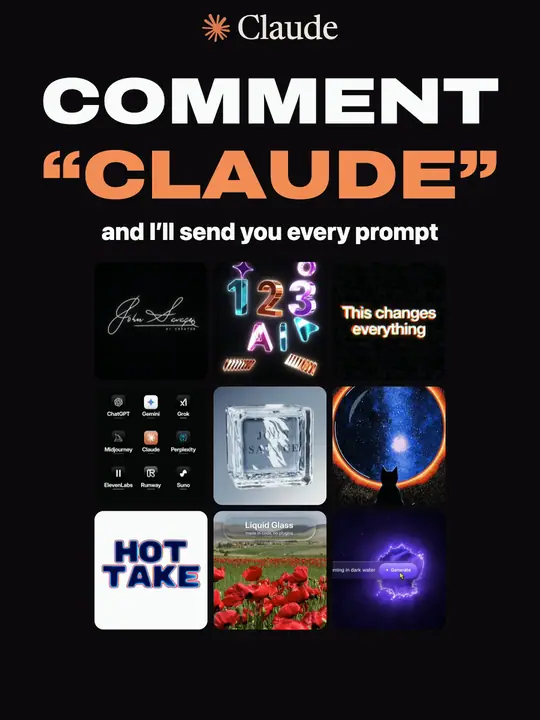
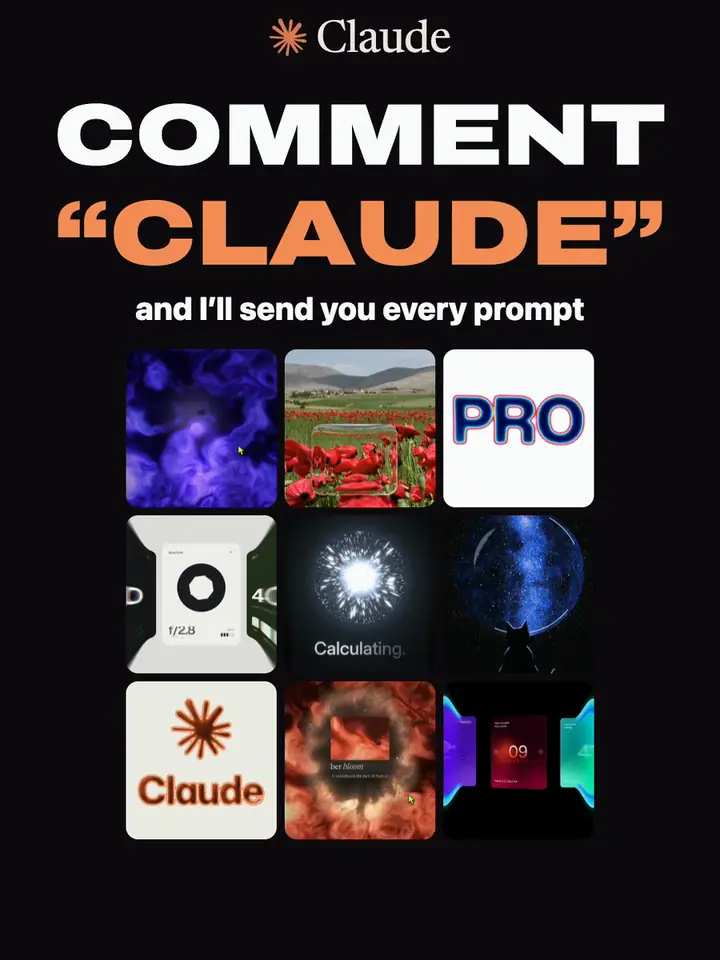
- 9 effects: ink reveal, liquid glass, heat-map letters, bent cards, spark ball, vintage space film, heat-map logo, ink chat screen, gradient cards
- Each one renders on your own computer, free, no API key
- Type one line and Claude builds the whole animation with your own text
0 of 4 doneNow: Download the skills
Download the skills
Tap the button and save the zip file. It works on macOS and Linux. The same zip also has the 12 animation styles from my last reel.
Install ffmpeg, Node and Python
Open Terminal, paste this and press Enter. Skip what you already have. The pip part is only for /liquid-glass.
Install ffmpeg, Node and Pythonbrew install ffmpeg node python && pip3 install numpy opencv-python pillowUnzip and install
Paste this in Terminal. It unzips the pack and links the skills into Claude Code.
Unzip and installcd ~/Downloads && unzip claude-animation-skills-johnsavage-v4.zip -d ~/ && cd ~/claude-animation-skills && ./install.shTry an effect in Claude Code
Open Claude Code, type this line and press Enter. Claude writes the spec and renders the video.
Try /thermal-letters/thermal-letters PRO9 prompts. Pick one.
The 9 effects from the reel · Type the slash command in Claude Code
- 1/9/ink-revealA prompt bar that bursts into ink and opens a card
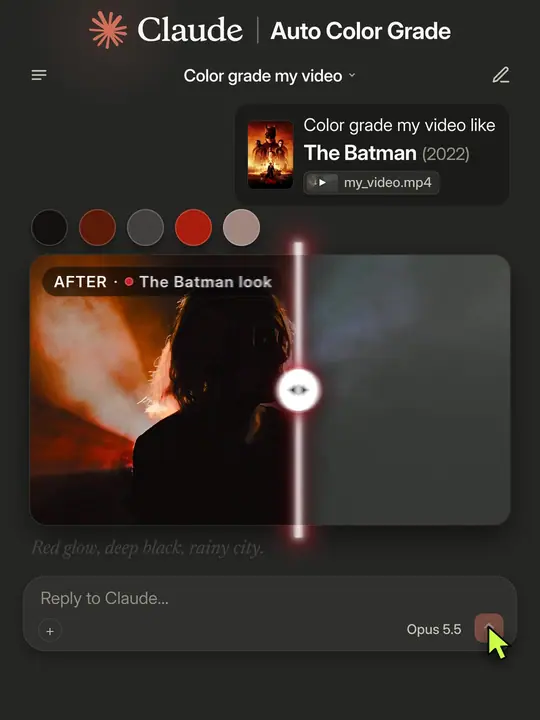
- 2/9/liquid-glassA liquid glass title over your own clip
- 3/9/thermal-lettersHeat-map letters that paint in like liquid
- 4/9/warp-cardsCards on a bent track, the sides curl like a hologram
- 5/9/particle-burstA glowing spark ball loader
- 6/9/vintage-planetsA vintage-print space film with a cat
- 7/9/thermal-logoYour logo and name in heat-map colours
- 8/9/ink-chatAn AI chat screen that floods with ink
- 9/9/gradient-cardsGlowing gradient stat cards
That’s all 9.
- 1/9
You did it
Nice! Now Claude makes these effects with your own words. Send this to a friend who makes reels.
More to try
Good to know
- Each effect renders on your own computer, free, no API key.
- Restart Claude Code after installing so the new slash commands show up.
- The first render takes longer: it downloads a small browser once. After that most effects take 1 to 2 minutes; the space film takes about 4.
- Change the text after the slash to your own words. Claude fits it into the animation.
- /liquid-glass goes over your own video. Give Claude the path of your clip. With no clip it uses a built-in colour background.
- /thermal-logo and /ink-chat can use your own logo: give Claude the path of an SVG or a PNG with a transparent background.
- /vintage-planets is a 24 second film. Ask for only the part where the green planet turns blue to get the short clip from the reel.
- The ink effects make big files (about 120 MB). That is normal: moving ink is hard to compress.
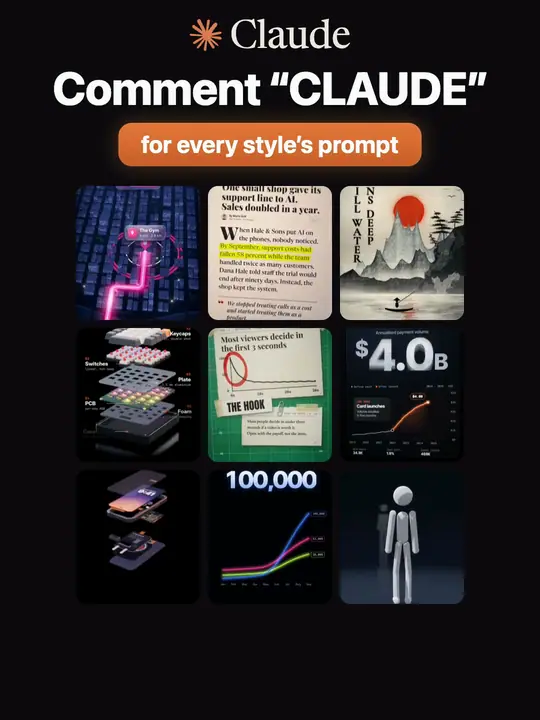
- The same zip has 12 more skills: map route, newspaper headline, ink painting, exploded keyboard, paper desk, stat chart and others.
- Built on Artem Novitckii's open-source pack (MIT): github.com/artemnovitckii/claude-animation-skills