a free guide
9 Claude effects, part 2: every prompt from the reel
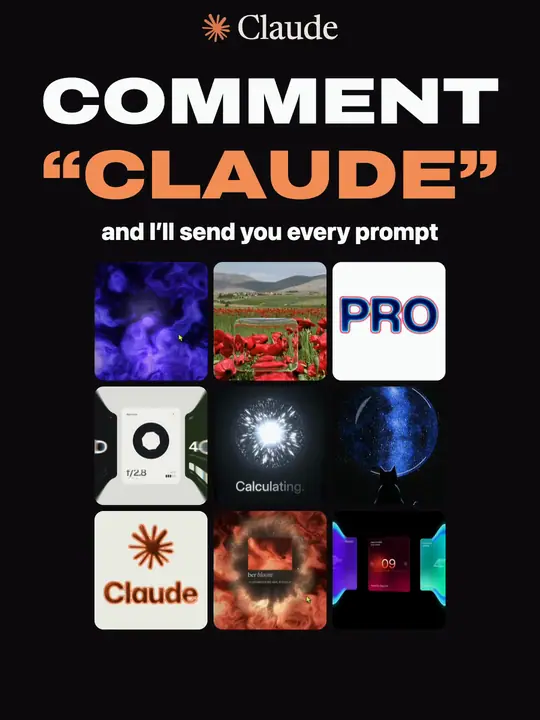
Every effect from the reel. Type one slash in Claude and get the video.
Scroll down for the prompts 👇
4 simple steps
What you’ll get
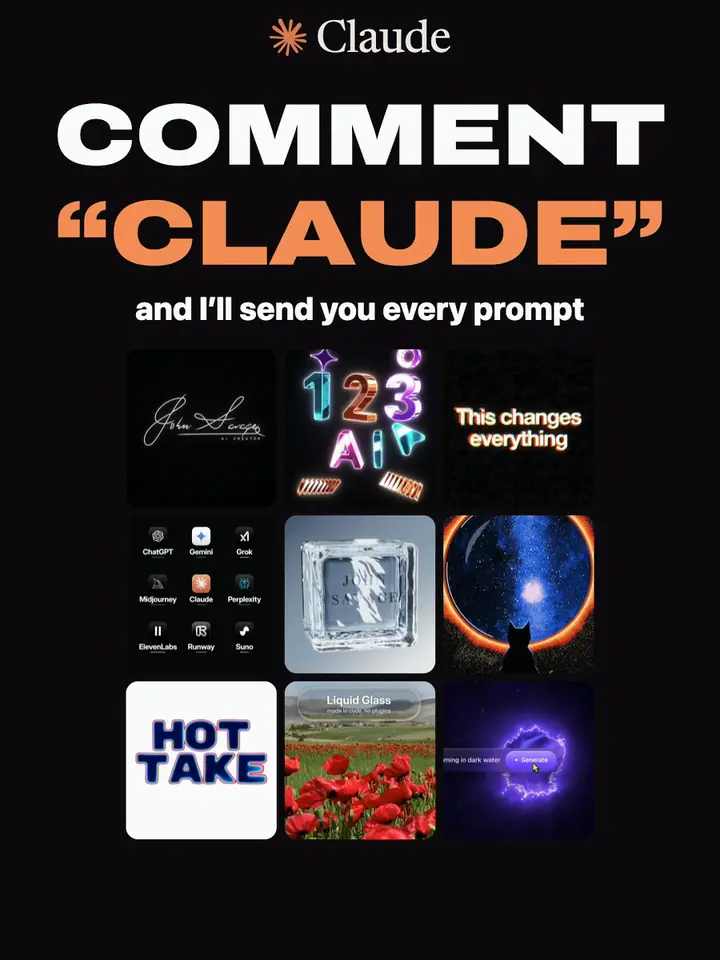
- 9 effects: a signature written by a pen of light, 3D glass shapes, RGB drift title, logo sting, liquid-to-glass film, vintage space film, heat-map letters, liquid glass, ink reveal
- Each one renders on your own computer, free, no API key
- Type one line and Claude builds the whole animation with your own name or text
0 of 4 doneNow: Download the skills
Download the skills
Tap the button and save the zip file. It works on macOS and Linux. The same zip also has every effect and style from my last two reels.
Install ffmpeg, Node and Python
Open Terminal, paste this and press Enter. Skip what you already have. The pip part is only for /signature and /liquid-glass.
Install ffmpeg, Node and Pythonbrew install ffmpeg node python && pip3 install numpy opencv-python pillowUnzip and install
Paste this in Terminal. It unzips the pack and links the skills into Claude Code.
Unzip and installcd ~/Downloads && unzip claude-animation-skills-johnsavage-v5.zip -d ~/ && cd ~/claude-animation-skills && ./install.shTry an effect in Claude Code
Open Claude Code, type this line with your own name and press Enter. Claude writes the spec and renders the video.
Try /signature/signature Mira Vale9 prompts. Pick one.
The 9 effects from the reel · Type the slash command in Claude Code
- 1/9/signatureYour name signed by a pen of light
- 2/9/glass-shapes3D glass numbers and letters on black
- 3/9/rgb-driftA title that splits into red, green and blue
- 4/9/logo-stingA 2 second logo sting with your own logo
- 5/9/liquid-morphWater turns into a glass cube and a bottle (made in Blender)
- 6/9/vintage-planetsA vintage-print space film with a cat
- 7/9/thermal-lettersHeat-map letters that paint in like liquid
- 8/9/liquid-glassA liquid glass title over your own clip
- 9/9/ink-revealA prompt bar that bursts into ink and opens a card
That’s all 9.
- 1/9
You did it
Nice! Now Claude makes these effects with your own name and words. Send this to a friend who makes reels.
More to try
Good to know
- Each effect renders on your own computer, free, no API key.
- Restart Claude Code after installing so the new slash commands show up.
- /signature writes any name. Add a tagline and a glow colour if you like: /signature Mira Vale, tagline AI CREATOR, pink glow. Two short words look best. It renders in under a minute.
- /glass-shapes takes up to 8 characters: letters, digits and + & ! ?
- /logo-sting uses your own logo: give Claude the path of an SVG or a PNG with a transparent background. With no logo it shows the first letter of your name.
- /liquid-morph is a 3D film made in Blender. Install the free Blender 4.5 from blender.org first. A draft takes about 10 minutes, the final about an hour.
- /liquid-glass goes over your own video. Give Claude the path of your clip. With no clip it uses a built-in colour background.
- The first browser effect takes longer: it downloads a small browser once. After that most effects take about a minute; the space film takes about 4.
- Change the text after the slash to your own words. Claude fits it into the animation.
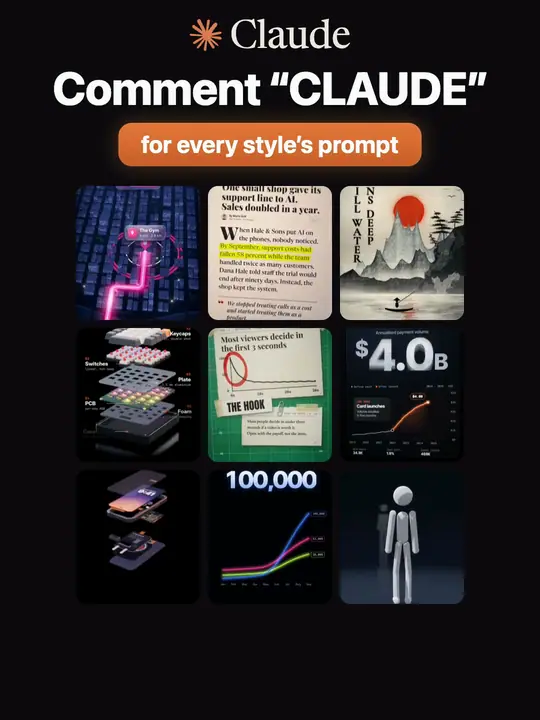
- The same zip has 17 more skills: map route, newspaper headline, bent cards, spark ball, stat chart and others.
- Built on Artem Novitckii's open-source pack (MIT): github.com/artemnovitckii/claude-animation-skills