a free guide
Sound Off, Sound On: make every sound with ElevenCreative
Make rain, a door bell, machines, music and a whispering voice by typing.
9 simple steps
What you’ll get
- The 4 sound prompts, the music prompt and the voice line from my video
- How to whisper with the [whispers] tag, and use [slowly] and [laughs]
- How to put every sound on one timeline in Studio
Get a silent video
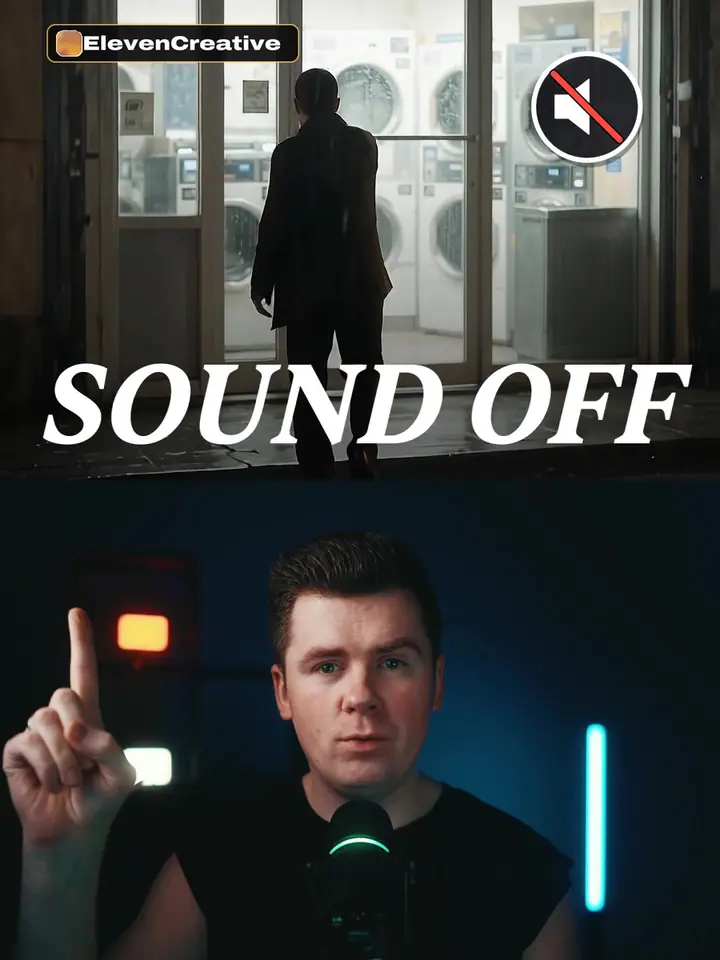
Any short video works. Mine is an AI clip of a man walking from a rainy street into a laundromat, made with no sound.
Good to know
- Make a few results for each sound and pick the one that fits the picture.
- The washing machines file was very quiet for me, so I turned it up in Studio.
- Put the sounds on separate tracks. Then you can change one level without touching the rest.
Make the sounds
In ElevenCreative open Sound Effects. Type one prompt, make it, pick the best result and download it. Do this 4 times.
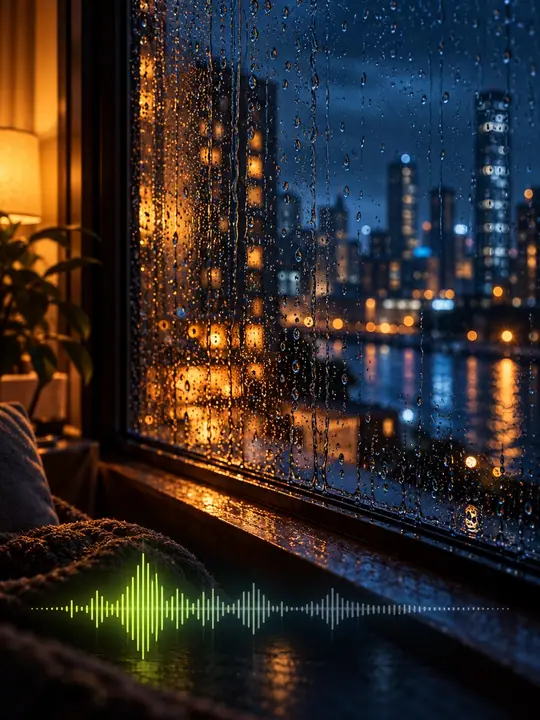
Try ElevenCreative Partner linkSound 1 of 4: the rainHeavy rain on a city street at nightThe door
Same box, new prompt.
Sound 2 of 4: the doorA glass shop door opens, a small bell ringsThe inside
Two more prompts: the machines and the steps on the floor.
Sound 3 of 4: the machinesWashing machines spinning in a quiet laundromatThe steps
The last sound for the scene.
Sound 4 of 4: the stepsSlow wet footsteps on a tile floorMake the music
Open Music, type the mood and make a track.
The musicSlow, dark, lonely night music. Soft piano and deep bass. No drums.Write the voice line
Open Text to Speech and choose Eleven v4. Put [whispers] before the line. I used the voice "Brad - Deep Cinematic Narrator".
The voice line[whispers] Only one place was still open.Model: Eleven v4.
Try two more tags
Change the tag in front of the line to [slowly] or [laughs] and make it again.
Two more tags[slowly] Only one place was still open. [laughs] Only one place was still open.Put it all in Studio
Open Studio and add your video. Drag the rain, the door, the machines, the steps, the music and the voice in, one track each. Then set the levels like this.
Studio levels I usedRain: cut it at 4 seconds, 100% before the cut and 20% after it. Door and bell: start at 2.3 seconds, 100%. Washing machines: 29% while the door opens, 151% after the cut at 4 seconds. Wet steps: start at 4.2 seconds. Music: 38%. Whisper line: start at 5.4 seconds, 154%.
You did it
Nice! Now your silent video has sound. Send this to a friend who makes videos.
Partner links. Paid partnership with ElevenLabs. This guide uses ElevenLabs. If you sign up, John may earn a commission or be paid. It costs you nothing.