a free guide
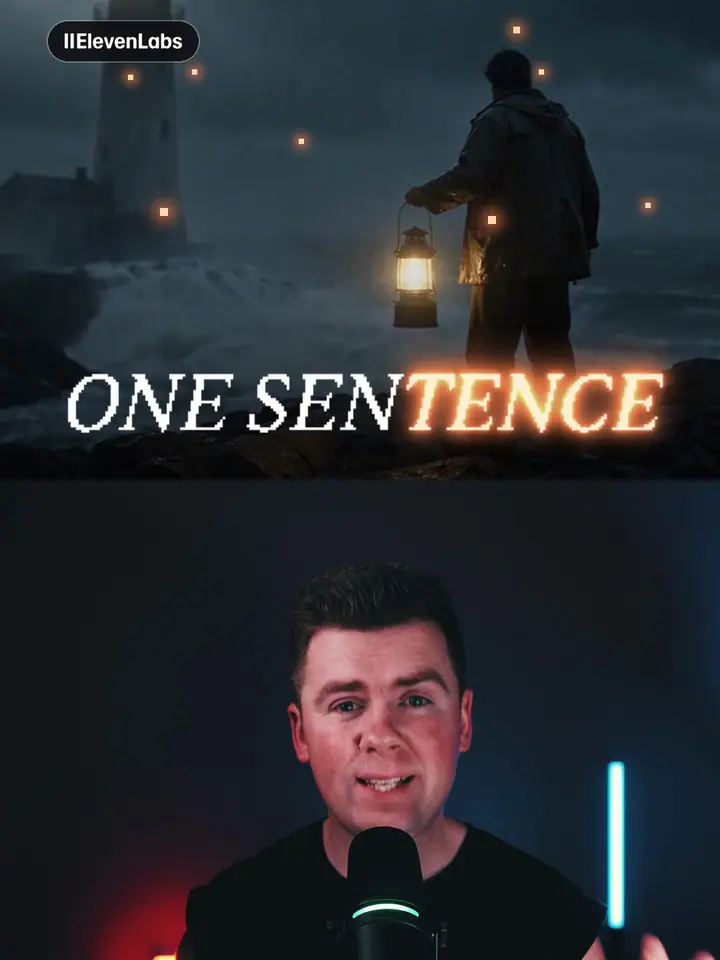
One sentence to a movie scene
Image, video, sound and voice, all made in ElevenCreative.
7 simple steps
What you’ll get
- The 4 exact prompts from my video
- How to turn one image into a video with sound and a voice
- The details of The Year of More and the Black Friday deal
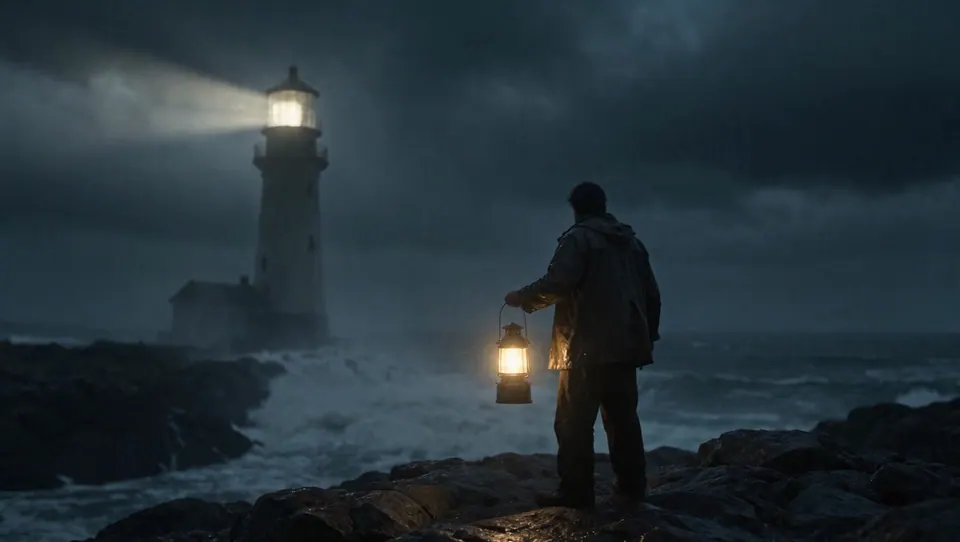
Type the idea and make 4 images
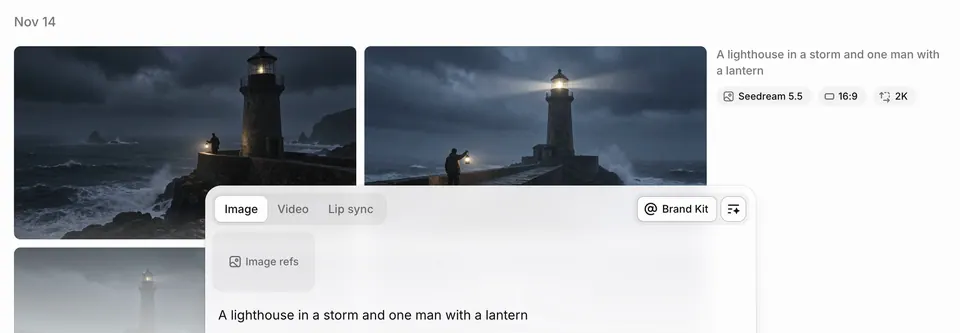
In ElevenCreative open Image & Video. Choose Seedream 5.5, 16:9, 2K and 4 images. Then paste this prompt and send it.
Try ElevenCreative Partner linkPrompt 1 of 4: the ideaA lighthouse in a storm and one man with a lanternSettings I used: Seedream 5.5, 16:9, 2K, 4 images.
Good to know
- Make a few images first and pick the one with the best mood before you turn it into a video.
Turn the best image into a video
Pick the image with the best mood and click Create Video. Choose Seedance 2.5 and 8 seconds. Then paste this prompt.
Prompt 2 of 4: the videoHuge waves crash against the rocks, heavy rain blows in the wind, the lighthouse beam sweeps across the sea, the man's lantern flickers, slow cinematic push inSettings: Seedance 2.5, 8 seconds.
Add the storm sound
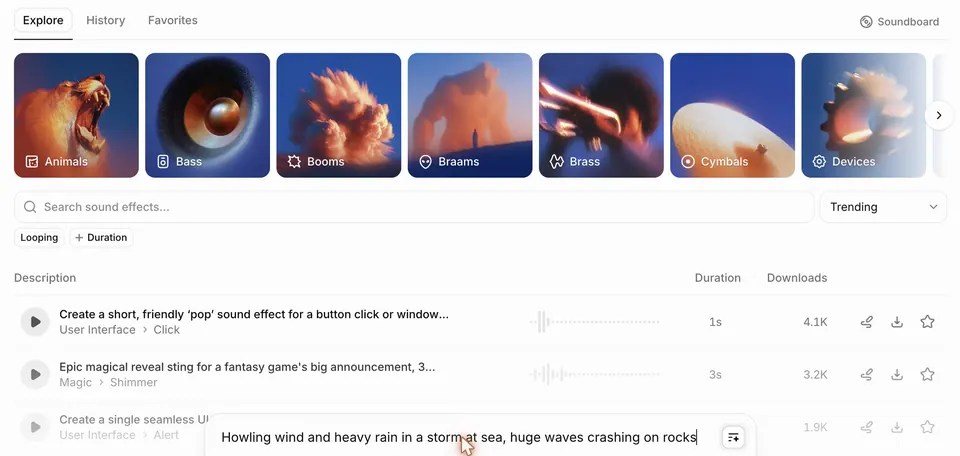
Open Sound Effects, paste this prompt and pick the best of the results.
Prompt 3 of 4: the storm soundHowling wind and heavy rain in a storm at sea, huge waves crashing on rocksAdd a narrator voice
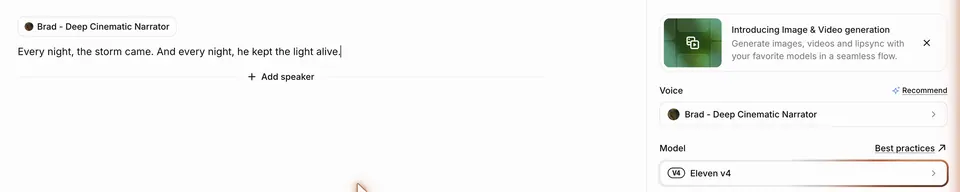
Open Text to Speech, search "deep narrator" and pick the voice "Brad - Deep Cinematic Narrator". Then paste this text.
Prompt 4 of 4: the voiceEvery night, the storm came. And every night, he kept the light alive.Voice: Brad - Deep Cinematic Narrator.
Put it together
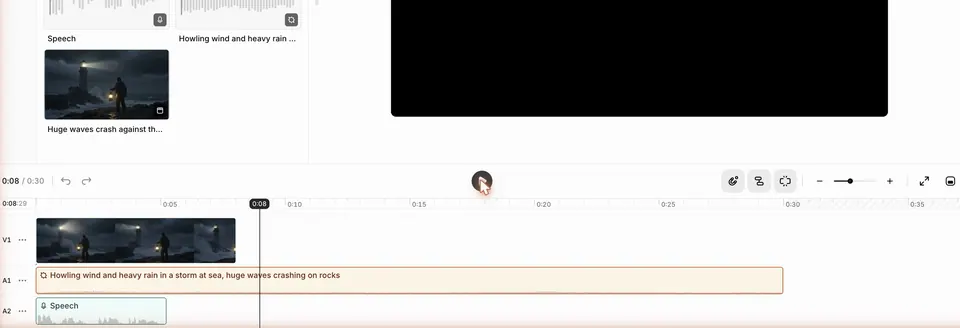
Click Edit in Studio on your video. Add the storm sound and the voice under the video and press play.
The Year of More
The ElevenLabs creator competition with $200,000 in total prizes. Free and paid users can enter, no purchase needed, and the entries are judged. Submissions close Nov 30, 11:59pm PT.
Join The Year of More Partner linkBlack Friday
Up to 55% off select annual plans (Creator and Pro), Nov 16 to Dec 1.
You did it
Nice! Now you have a movie scene from one sentence. Send this to a friend who loves AI video.
Partner links. Paid partnership with ElevenLabs. This guide uses ElevenLabs. If you sign up, John may earn a commission or be paid. It costs you nothing.