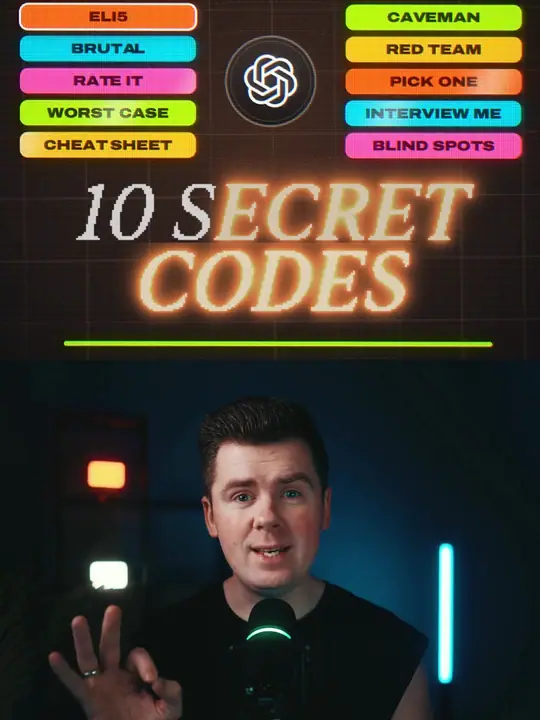
a free guide
Make ChatGPT Stop Agreeing With You
One setting and one short text. ChatGPT tells you the truth first.
Scroll down for the prompts 👇
4 simple steps
What you’ll get
- ChatGPT tells you when your idea or plan is weak
- The strongest reason against your view, before it helps
- No more empty "great question" compliments
0 of 4 doneNow: Open Personalization
Open Personalization
In ChatGPT, open Settings and tap Personalization. On the phone app it's in Settings too.
Paste the honesty text
Turn on customization, open Custom instructions, press Copy prompt and paste it into the box. Then press Save.
The honesty textDon't just agree with me. If my idea, plan or fact is weak or wrong, say so first and tell me why. Before you help, give me the strongest reason against my view. If you are not sure, say you are not sure. No compliments like "great question". Be kind, but be honest.Pick Candid
In Base style and tone, choose Candid. It gives direct, honest feedback.
Test it
Open a new chat and ask about a bad plan. Press Copy prompt, paste it and see what ChatGPT says now.
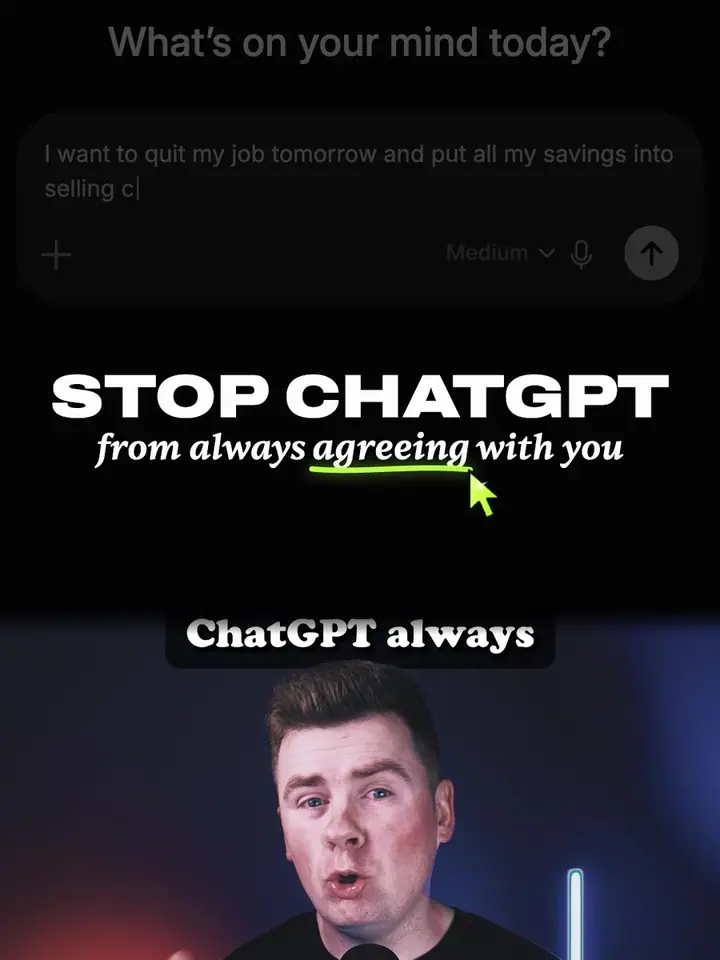
Test questionI want to quit my job tomorrow and put all my savings into selling candles. Great plan, right?
You did it
Nice! Now ChatGPT tells you the truth first. Send this to a friend who needs it.
More to try
Good to know
- The text works on every plan, free too.
- Candid changes how ChatGPT talks to you in all chats.
- Want it softer later? Pick another style or delete the text.