a free guide
Secret Codes: Learning & Everyday
Paste one prompt, type a code, and any photo becomes a study board.
Start
3 simple steps
What you’ll get
- 6 codes from the reel, ready to copy
- One master prompt that makes every code work
- 462 more codes inside the full PDF
Steps
Paste the master prompt once
Paste this at the start of a new ChatGPT chat. You only do this one time.
Master promptFrom now on, when I upload a photo and type a /code, re-shoot the SAME photo in the style the code describes. Keep the same person (face, hair, skin tone, body), the same outfit and the same place unless the code changes them. Keep it photorealistic with natural skin texture and real imperfections, no airbrushed look, no text or watermarks. Only change what the code asks for: camera angle, lens, light, weather, season, or world. If a code is unclear, pick the most cinematic interpretation.
Upload one photo
Pick one clear photo of a book, a place or an everyday object. A normal phone photo is perfect.
Type one code
Send a single code with your photo. ChatGPT re-shoots it in a whole new look. Try a different code on the same photo.
The 6 codes from the reel
Tap a code to copy it.
Stacks to try first
Two codes in one message. Tap to copy.
6
Stacks to try first
Two codes in one message. Tap to copy.
- /droneview /goldenhourA warm aerial shot at sunset.
- /winter /northernlightsSnowy ground under a glowing sky.
- /fisheye /nighttimeflashA wild, flash-lit party snapshot.
- /fog /wormviewA moody low shot through thick fog.
- /tinyplanet /goldenhourA tiny warm planet in the sunset.
- /actionfigure /thermalvisionA boxed toy in heat-map colors.
3 pro tips
- Stack two codes in one message, for example /droneview /goldenhour.
- Use a clear, well-lit photo where the subject is easy to see.
- If a face drifts, reply: keep my face exactly the same.
Custom prompt labels, not official ChatGPT commands.
Keep it as a PDF
34 pages · 1.6 MB
More guides
All guides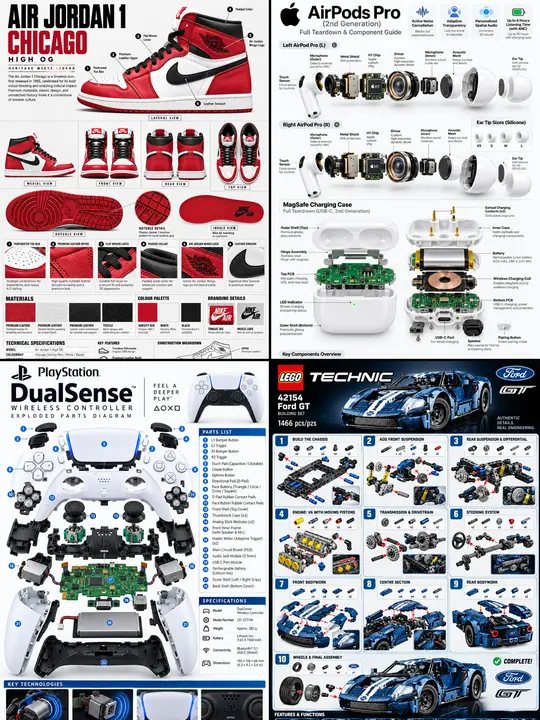
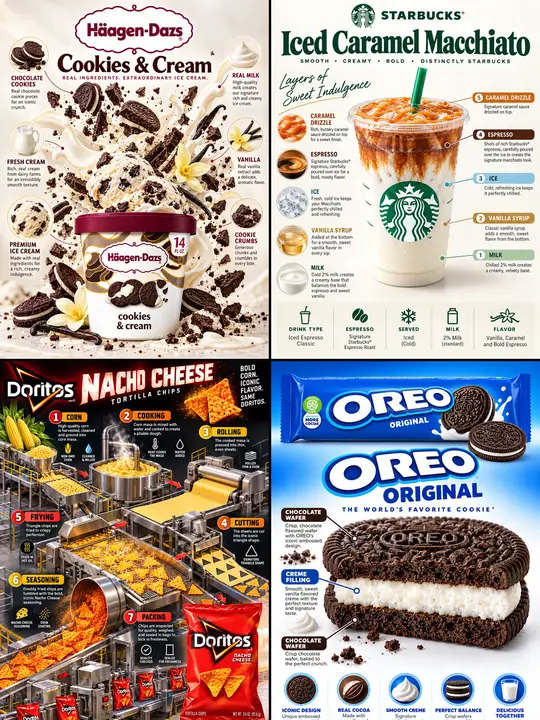
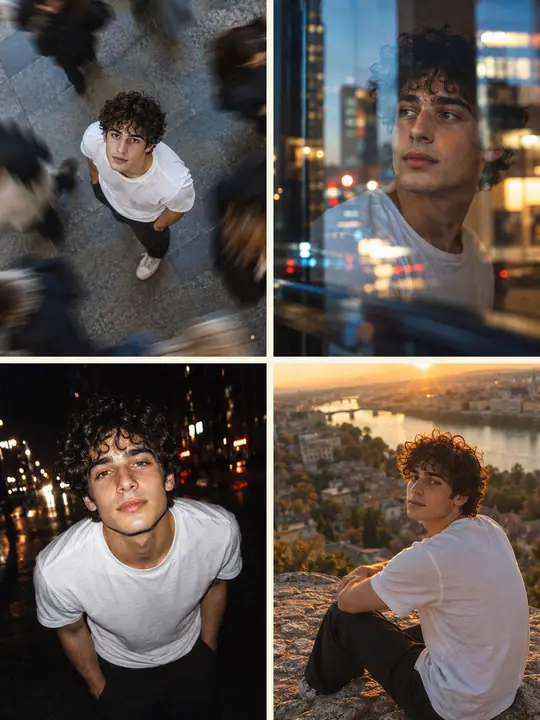
You did it
Nice work. Try it again with something new.
Get new guides first
Daily AI news and the newest guides. No spam.
More guides
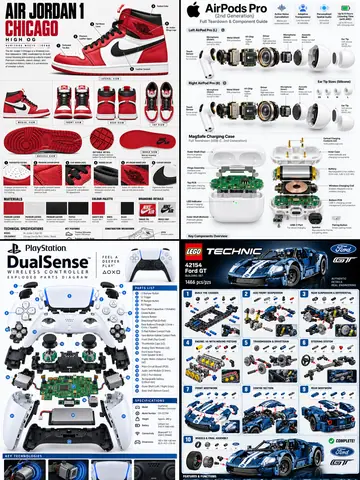 Secret Codes: Products & TechChatGPT
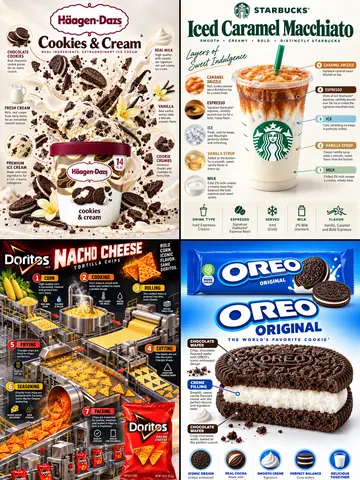 Secret Codes: Food & DrinksChatGPT
 400+ Secret Photo Codes for PeopleChatGPT