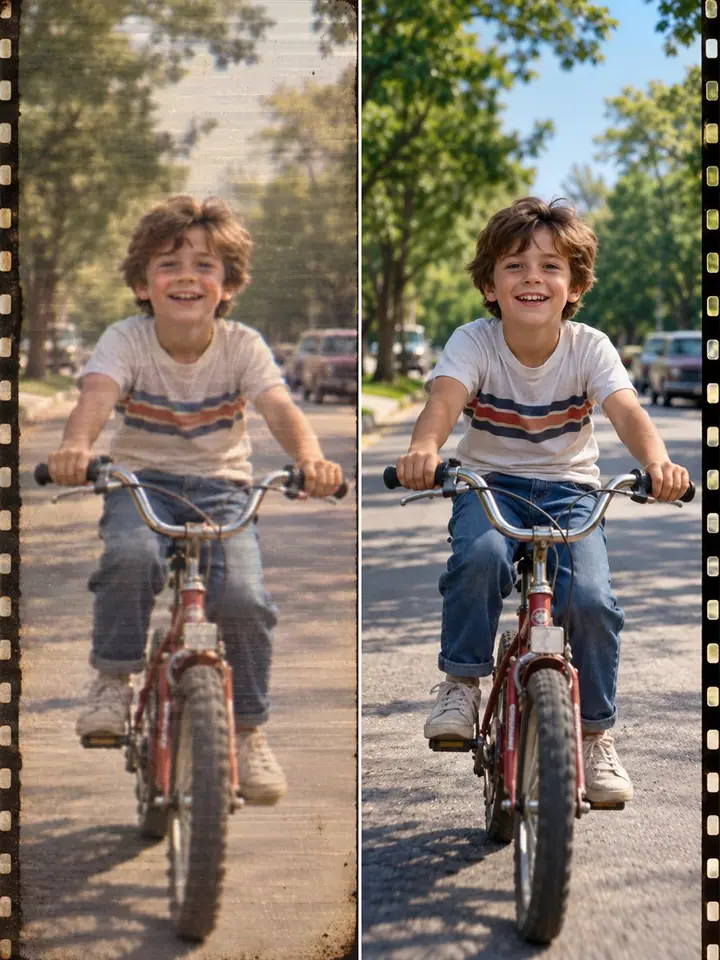
a free guide
Make Any Old Video HD with FLUX
Make an old, blurry video sharp and HD in three taps.
Start
3 simple steps
What you’ll get
- Your old video in HD
- A slider to compare before and after
- A setting that keeps faces natural
Steps
Drop your video in
Any old clip, up to 20 seconds. Faces? Set Creativity to Precise.
Click Generate
Drag the slider to compare. Download. Done.
Keep it as a PDF
1 page · 173 KB
More guides
All guides

You did it
Nice work. Try it again with something new.
Get new guides first
Daily AI news and the newest guides. No spam.
More guides
 Make Any Sound Effect with SFX v3ElevenLabs
 Halloween Codes for ChatGPT + HiggsfieldChatGPT + Higgsfield
 Make Your Mascot Talk with ChimeraElevenLabs