John Savage AIFree guide
Google Omni
camera moves:
SET 2
5 camera codes that turn one photo of you into a 10-second clip.
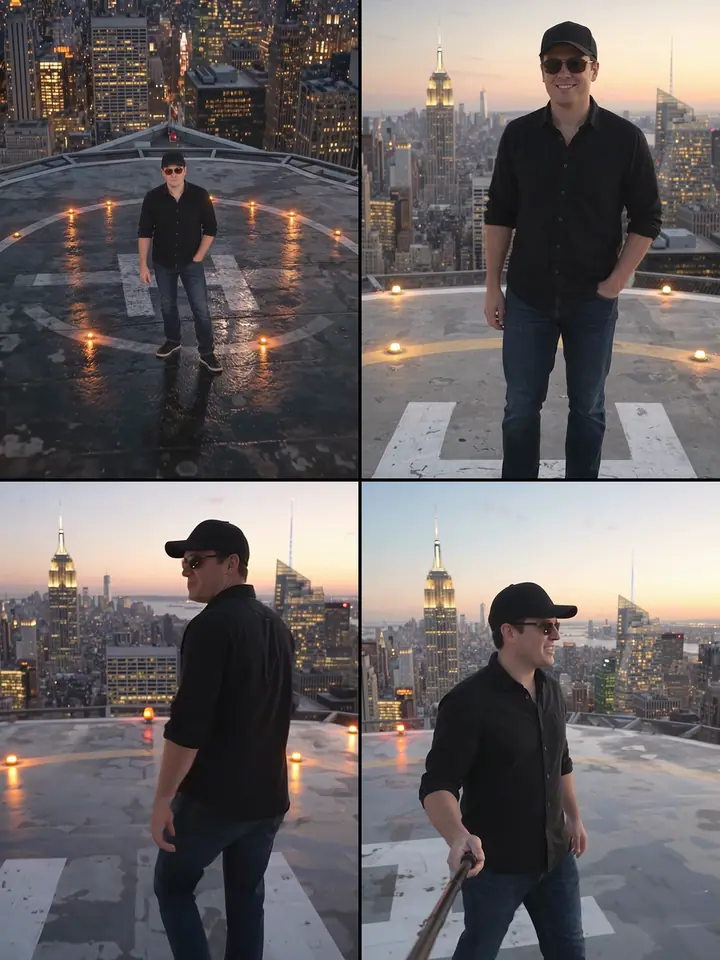
- 1
Take one clear photo of youstart here
Use one clear photo of yourself, with your whole face and body in the picture.
- 2
Set up Google Omni
Open Google Omni (Gemini Omni Flash, Reference to Video). Choose 10 seconds and 9:16, and add your photo as the reference.
- 3
Paste the prompt
Pick a card below, press Copy prompt and paste it. Send it and wait for your clip.
5 prompts
Pick one. Or try them all.
Prompt 1 of 5
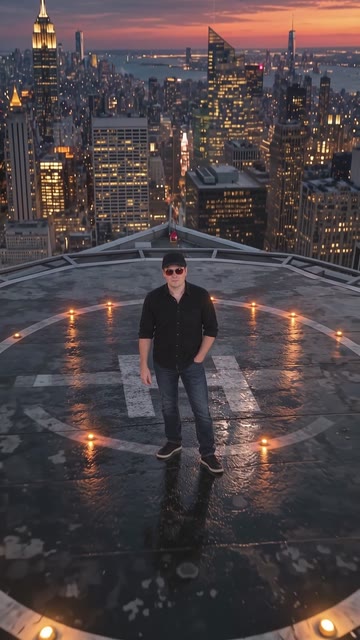
/top down spiral
The camera rises into a top-down spiral.
Prompt 2 of 5
/slow push in
A slow push from full body to close-up.

Prompt 3 of 5
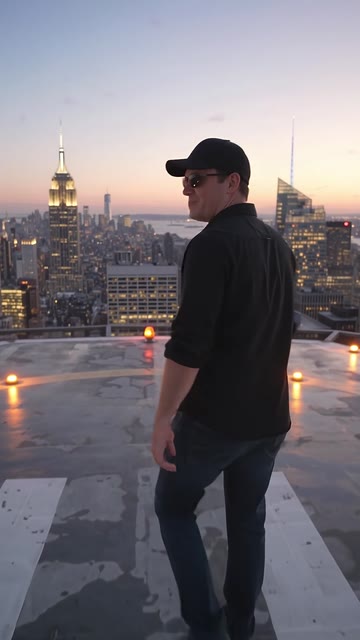
/first person walk
You walk forward in first person.
Prompt 4 of 5
/selfie stick walk
A handheld selfie-stick walk.

Prompt 5 of 5
/vertigo dolly zoom
The camera moves back while it zooms in, so the man stays the same size and the city behind him stretches and grows.
Code plus one sentence. Copy it as it is.

These clips were tested with these exact words, through Async. Results change a little each time.
Made by John Savage AI. Free guides, made simple.