John Savage AIFree guide
Google Omni
camera moves:
SET 1
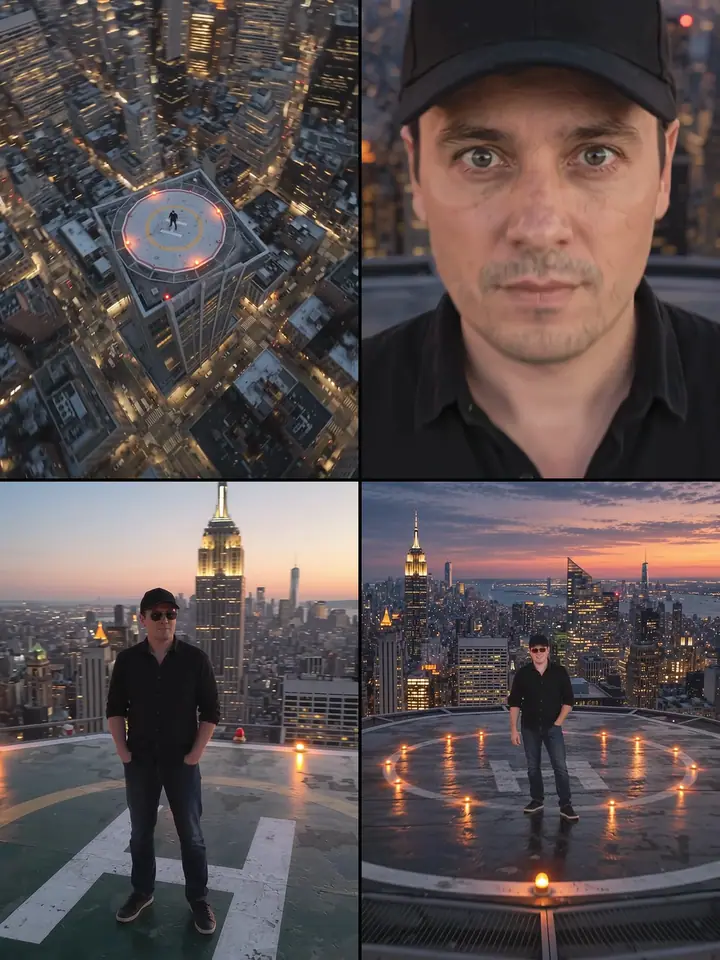
5 camera codes that turn one photo of you into a 10-second clip.
- 1
Take one clear photo of youstart here
Use one clear photo of yourself, with your whole face and body in the picture.
- 2
Set up Google Omni
Open Google Omni (Gemini Omni Flash, Reference to Video). Choose 10 seconds and 9:16, and add your photo as the reference.
- 3
Paste the prompt
Pick a card below, press Copy prompt and paste it. Send it and wait for your clip.
5 prompts
Pick one. Or try them all.
Prompt 1 of 5
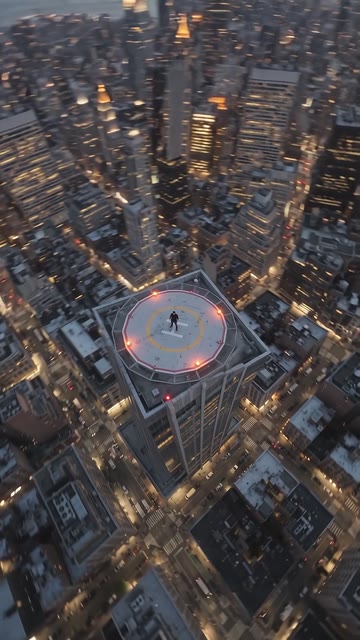
/fpv drone dive
The camera dives fast from high above down toward the man standing on the roof.
Code plus one sentence. Copy it as it is.
Prompt 2 of 5
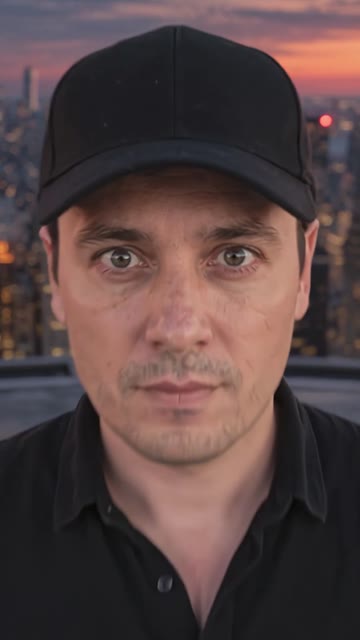
/crash zoom eyes
A fast zoom into your eyes, then back out.
Prompt 3 of 5
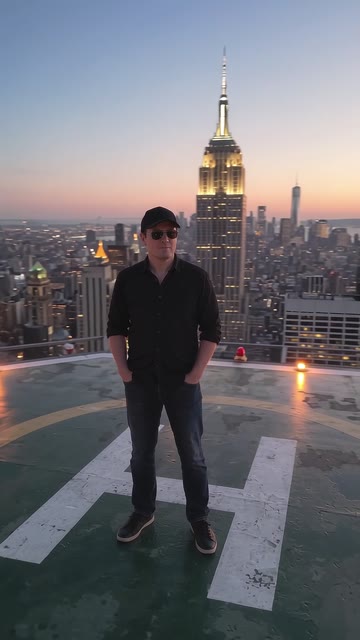
/drone orbit shot
The background orbits around you.
Prompt 4 of 5
/pull back reveal
The camera pulls back from your face.
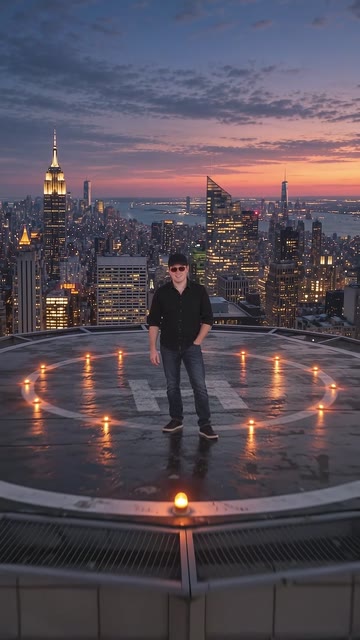
Prompt 5 of 5
/tilt up reveal
The camera tilts up to reveal the scene.
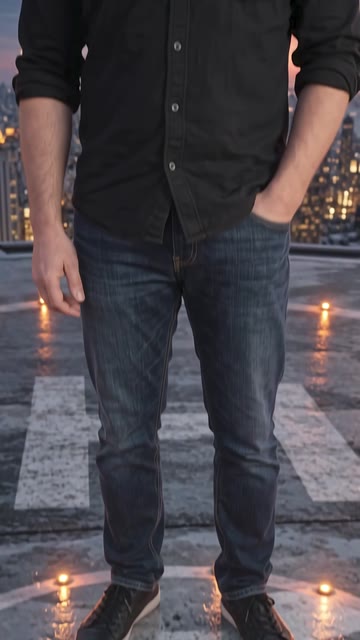
These clips were tested with these exact words, through Async. Results change a little each time.
Made by John Savage AI. Free guides, made simple.