a free guide
Edit Videos Like Kallaway with Claude
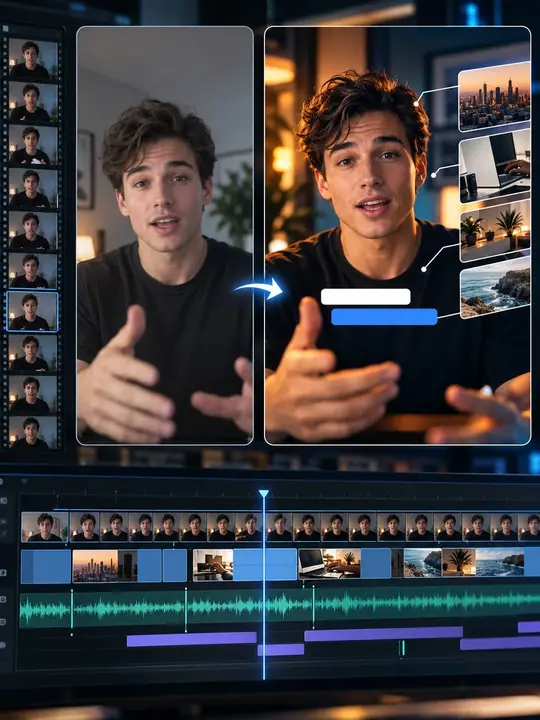
Pick videos you love. Paste one message. Claude edits your video in that style.
5 simple steps
What you’ll get
- Your own video, edited in the style of videos you love
- One message to copy, plus 10 fix-it messages
- No editing app needed
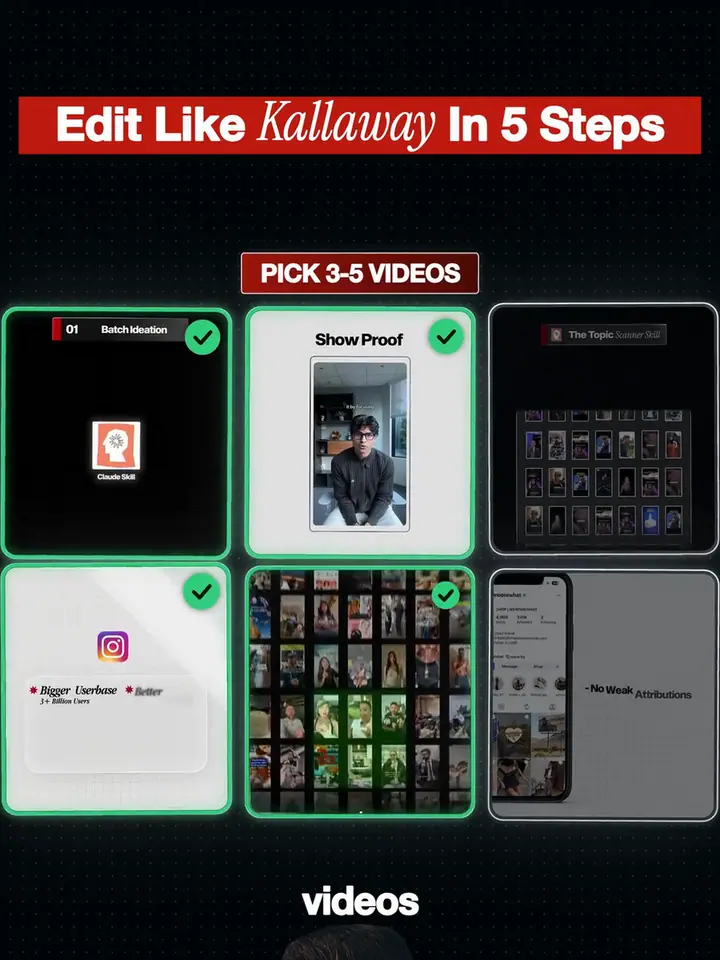
Pick 3 to 5 videos you love
Videos from one creator work best. Save them on your computer (a screen recording is fine). Put them in a folder called style-videos.
Upload them to Claude Code
Film yourself talking to the camera and put that file in a folder called my-video, next to style-videos. Download Claude, open the Code tab and pick the folder that holds both.
Paste the one message
Press Copy prompt and paste it into Claude Code. Change the line in [brackets] to one line about your video. Then press Enter.
The one messageI put 3 to 5 videos I love in the folder "style-videos". I put my own video (me talking to the camera) in the folder "my-video". Your job: edit my video in the same style as the videos I love. My video is about: [WRITE ONE LINE ABOUT YOUR VIDEO HERE] STEP 1. Study the videos like a pro editor. Do not guess. Measure. For every video, find out: - the cuts: how many seconds between cuts, and what kind of cuts - the captions: font, size, colour, position, how they move in, one word at a time or full lines - the motion graphics: what shapes and text appear, how they move, how long they stay, which colours - the layout: where my face goes and where the graphics go - the sound: music, sound effects, how loud they are Look at real frames (extract them with ffmpeg) and listen to the audio. Write everything in a file called STYLE.md, with real numbers. Do this BEFORE you edit. STEP 2. Edit my video. - Remove silences and mistakes. If I said a sentence more than once, keep only the last good take. Never make up words I did not say. - Make it vertical 9:16 (1080x1920). If my video is wide, put my face where the videos I love put theirs. - Use the same colours, fonts and layout as the videos I love. - Add captions and motion graphics that follow STYLE.md. If a graphic needs a picture or logo you do not have, build a simple version with shapes and text, and tell me. - Use any tools you need (ffmpeg, Python, Node). If something is missing, install it. STEP 3. Save the result as final.mp4. Then show me 6 frames of my new video next to 6 frames of the videos I love, and tell me honestly what is still different.Let Claude study and edit
Claude measures the cuts, captions and motion graphics of your videos, then edits yours in the same style. This can take a while. The first result is usually about 70 to 80 percent good. That is normal.
Fix it with 5 to 10 messages
Pick a fix-it message below, or just tell Claude what to change. Repeat until you love it.
10 prompts. Pick one.
Fix-it messages · Pick one, press Copy prompt and paste it into Claude.
- 1/10Bigger captionsMake the captions bigger and bolder. They must be easy to read on a phone.
- 2/10Tighter pausesCut the pauses tighter. Remove any silence longer than 0.2 seconds, but never cut into a word.
- 3/10Last take onlyCheck every cut. If I stumble or say a sentence twice, keep only my last good take of that sentence.
- 4/10Stronger openingLook at the first 3 seconds of the videos I love. Make the first 3 seconds of my video hit just as hard.
- 5/10Same coloursMeasure the colours in the videos I love. Make all my graphics use exactly those colours.
- 6/10Smoother motionMake every graphic move in smoothly, with ease in and ease out. Nothing should appear with no motion.
- 7/10Soft soundsAdd a soft sound effect when each graphic appears. Keep the sounds quiet under my voice. Do not add music.
- 8/10Face in placePut my face in the same place as in the videos I love, and keep it centred.
- 9/10Compare and fixCompare 6 frames of my video with 6 frames of the videos I love again. List the 3 biggest differences and fix them.
- 10/10No musicRemove the music. Keep only my voice and the sound effects.
That’s all 10.
- 1/10
You did it
Nice! Now edit your next video in the same style, or send this to a friend.
More to try
Paste this once. Then every new video is one command.