a free guide
Dreamina + CapCut PC: a Black Friday ad from one product photo
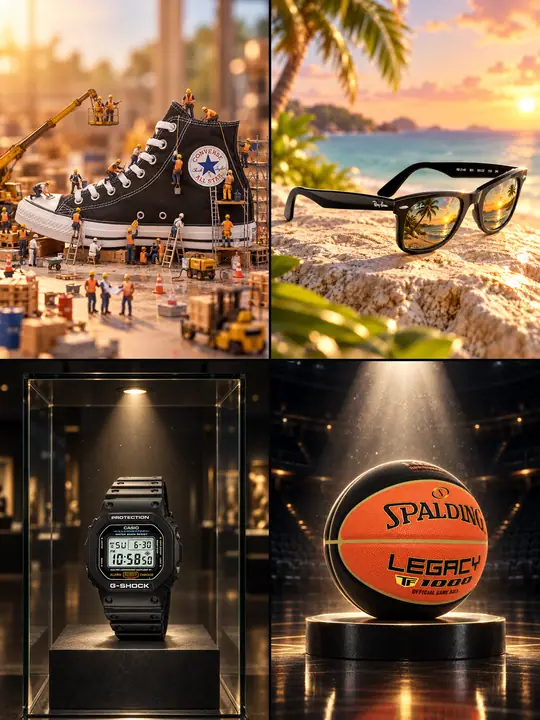
One product photo becomes a finished Black Friday ad. Dreamina makes the ad clips, and EditPilot in CapCut PC edits them for you.
6 simple steps
What you’ll get
- The whole workflow from the reel, step by step
- The Dreamina prompt that turns one photo into ad clips
- The 2 EditPilot prompts for CapCut PC
- How to get a Stories version with one click
Take one photo of your product
A clean photo on a plain background works best. In the reel it is one photo of a hoodie.
Make the ad clips in Dreamina
Open Dreamina and go to Marketing Studio. Add your photo and paste this prompt. Change the product, the brand name and the scene to yours.
1. Dreamina Marketing StudioA 15 second ad for our brand. Fast stylish cuts: the North Lane hoodie drops onto a hanger in slow motion, a close-up of the embroidered logo, then a young guy pulls it on in a city street at golden hour and smiles to the camera. Sale text on screen.Import the clip into CapCut PC
Download the clip from Dreamina. Open CapCut on your computer, click Import, pick the clip and drag it onto the timeline.
Tell EditPilot what you want
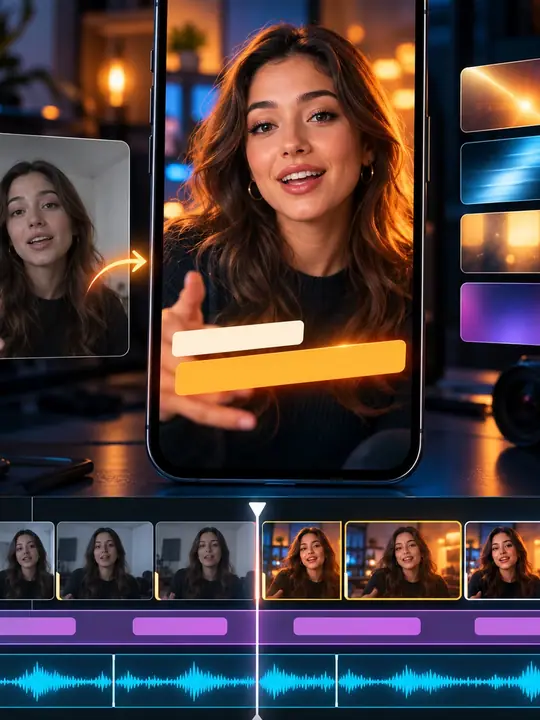
Open EditPilot in CapCut PC and paste this. It makes the video 15 seconds and adds a voiceover, captions, the sale price, music and a zoom. You can watch every change land on the timeline.
2. EditPilot: the editMake it 15 seconds, add a voiceover and captions, put the sale price on screen: North Lane hoodie, Black Friday 40% off, then add upbeat music and smooth zoom effectsGood to know
- EditPilot is inside CapCut PC, the desktop app.
- Swap "North Lane hoodie" and "40% off" for your own product and your own sale.
- CapCut is doing 90% off your first month for Black Friday if you sign up on desktop. Then log in to Dreamina with the same account to join the rewards draw.
Add the last touches
Send EditPilot one more message for the sticker and the opening flash.
3. EditPilot: the last touchesNow add a Black Friday sale sticker and a flash transition at the startMake the Stories version
Click the ratio button above the preview and choose 9:16. Now you have a vertical version for Stories.
Get the tools
You did it
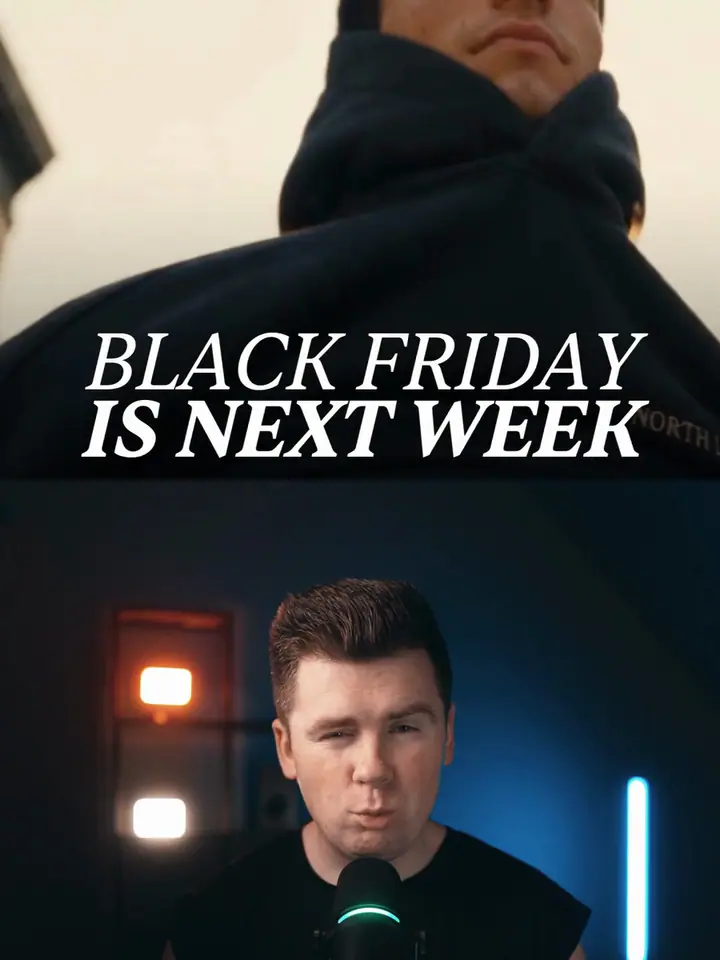
Done. One photo, one finished ad, and a version for Stories.