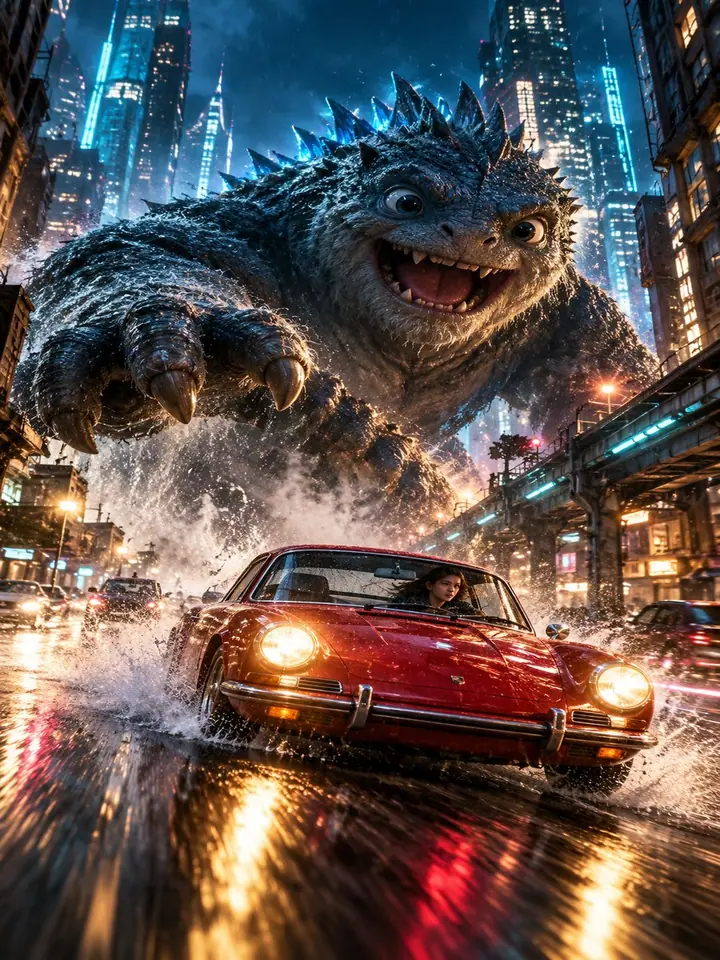
a free guide
Make a Movie Scene from One Chat
Type one idea. Get a 30-second movie scene.
Start
3 simple steps
What you’ll get
- A 30-second movie scene from one idea
- Script, characters and storyboard made for you
- A way to relight or reshoot any shot
Steps
Pick “AI Film”
Choose the AI Film skill and paste the prompt below. Change the part in brackets to your own idea.
The promptMake a 30-second movie scene: [YOUR IDEA, for example a giant monster chasing a car through a city at night]. Write the script, design the characters, build every scene and the storyboard, then put all the shots together into one cinematic film.Fix it, then export
Don’t like a shot? Click it and change the light, the camera angle or anything else. Then export.
Partner links. This guide uses Buzzy. If you sign up, John may earn a commission or be paid. It costs you nothing.
5 more ideas to paste into the prompt
Replace the part in brackets with one of these.
5
5 more ideas to paste into the prompt
Replace the part in brackets with one of these.
- Sci-fia lone astronaut finds a glowing door on Mars
- Actiona motorbike chase across the rooftops of Tokyo in the rain
- Fantasya dragon lands in the middle of a busy football stadium
- Horrorthe lights go out one by one in an empty shopping mall
- Adyour product falls from space and lands in a city square
Keep it as a PDF
2 pages · 306 KB
More guides
All guides
You did it
Nice work. Try it again with something new.
Get new guides first
Daily AI news and the newest guides. No spam.
More guides
 Halloween Codes for ChatGPT + HiggsfieldChatGPT + Higgsfield
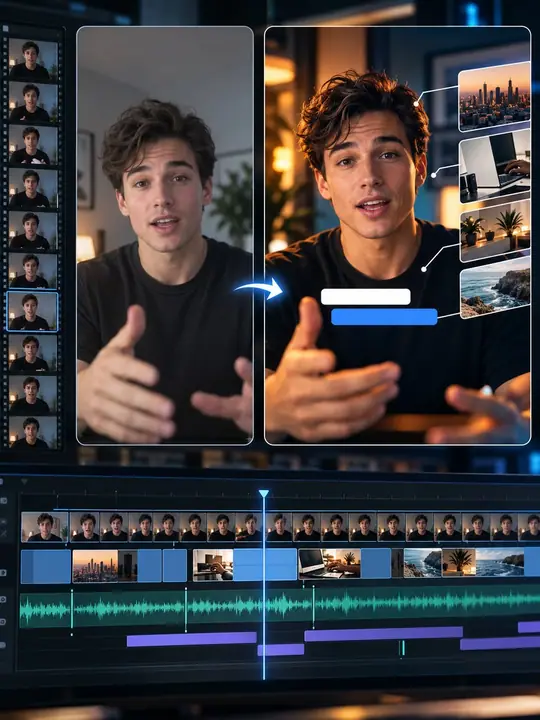
 Copy Any Editing Style with ClaudeClaude
 Make a 1970s Action Trailer with Luma AgentsLuma